Best Home Security Systems for Beginners in 2026
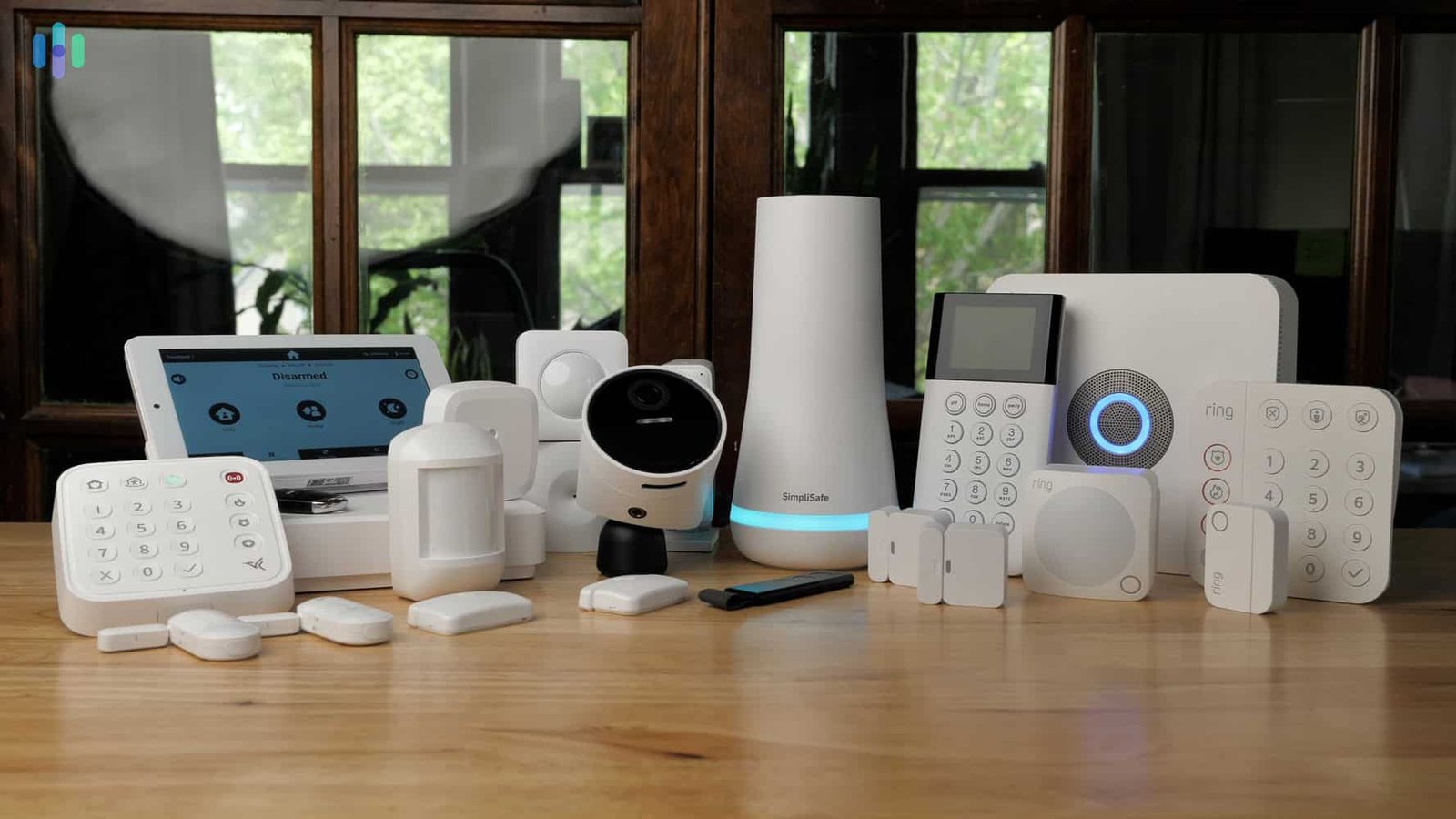
Best Home Security Systems for Beginners
Walk into any electronics store or scroll through any shopping app and you’ll find a wall of options for home security systems — cameras, doorbells, sensors, hubs, apps that all claim to be the “smart” choice. If you’ve never set one up before, it’s genuinely overwhelming, and honestly, half the marketing doesn’t help.
I’ve noticed most first-time buyers overspend on features they’ll never use and underspend on the one thing that actually matters most: reliable basics. A $40 doorbell camera that works consistently beats a $400 system with three features nobody configures correctly.
Let’s simplify this. Here’s what beginners actually need to know before choosing between home security systems, without the sales pitch.
What Beginners Should Know Before Buying Home Security Systems
Quick answer: Most beginners don’t need a full professional installation right away — a doorbell camera, a couple of entry sensors, and one indoor camera cover the majority of what actually matters for a first-time setup, and can usually be installed without any wiring.
The security industry loves to make this sound complicated. It mostly isn’t. Modern home security systems are largely wireless, app-controlled, and designed for DIY installation. You don’t need to drill through walls or hire an installer just to get started.
That said, there’s a real difference between a system that just records footage after something’s already happened and one that actually helps prevent an issue in the first place. Knowing that distinction upfront saves a lot of wasted money.
DIY vs Professionally Installed Systems
This is usually the first fork in the road, and it trips people up more than it should.
DIY systems typically offer:
- Lower upfront cost, often a few hundred dollars for a starter kit
- No monthly monitoring fee required (though optional)
- Self-installation in under an hour for most kits
- Full control over what you add and when
Professionally installed systems typically offer:
- Guaranteed proper placement and wiring, if hardwired components are involved
- Monthly monitoring with a call center dispatching help
- Higher upfront and ongoing cost
- Contracts that can be harder to cancel than people expect
For a first-time buyer without complicated needs, I’d lean DIY almost every time. You can always upgrade later once you know what you actually use.
Doorbell Cameras: The Best Starting Point
Quick answer: A video doorbell is widely considered the best entry point into home security systems for beginners — it’s affordable, easy to install, and covers the single most common access point for both deliveries and unwanted visitors: the front door.
Picture this: most package theft and casual break-in attempts happen at the front entrance, not through a back window in the middle of the night like movies suggest. A doorbell camera covers exactly that risk, cheaply.
Look for:
- Motion-activated alerts (not just doorbell-press triggers)
- Two-way audio, so you can talk to whoever’s there
- Local or cloud storage options — check if there’s a subscription required for recordings
- Night vision quality, which varies more between brands than people expect
Indoor and Outdoor Cameras Worth Considering
Once the doorbell’s covered, indoor and outdoor cameras round out a beginner setup nicely, though not every home needs both right away.
Where cameras tend to matter most:
- Back doors and side entrances, which get far less attention than front doors
- Driveways, if package theft or car security is a concern
- Main living areas, if you want activity monitoring while away
- Not bedrooms or bathrooms — an obvious point, but worth saying anyway
Has this ever happened to you — you install a camera, get excited about the setup, and then never actually check the footage again? It happens constantly. The best camera is the one you’ll actually use, not the one with the most impressive spec sheet.
Entry Sensors and Motion Detectors
Quick answer: Door and window sensors are a low-cost, often overlooked part of home security systems that alert you the moment an entry point opens — cheaper than cameras and arguably more directly useful for actual intrusion detection.
I think sensors get underrated compared to cameras, mostly because they’re less visually exciting. But a sensor triggers the instant a door or window opens, while a camera just records what already happened. That’s a meaningful difference if the goal is prevention, not just documentation.
Good places to start:
- Front and back door sensors, non-negotiable basics
- Ground-floor window sensors, especially ones hidden from street view
- A motion detector in a main hallway or living area as a secondary layer
Smart Locks and Access Control
Smart locks are one of those upgrades that sound flashy but solve a genuinely common annoyance — lost keys, hidden spare keys under doormats (please stop doing this), and not knowing who has access to your home.
[link to related guide on smart door lock buying guides here]
For beginners, a simple keypad or app-controlled lock on the front door covers most of the benefit without needing a full smart home ecosystem behind it.
Monitoring: Self-Monitored vs Professionally Monitored
This decision affects both cost and how you’ll actually respond to alerts.
Self-monitored means alerts go straight to your phone, and you decide what to do — call the police yourself, check the camera, or ignore a false alarm. No monthly fee in most cases.
Professionally monitored means a monitoring center gets the alert too, and can dispatch emergency services on your behalf. Useful if you’re often away or want a backup layer, but it comes with a recurring cost.
[link to related guide on home safety tips for gated communities here]
Neither option is objectively better — it depends on how hands-on you want to be, and whether the monthly fee is worth the added layer for your situation.
Common Mistakes Beginners Make with Home Security Systems
A few patterns I’ve seen repeat across first-time setups:
- Buying too many cameras before ever configuring the first one properly
- Ignoring the app notifications settings, leading to alert fatigue and eventually ignoring everything
- Skipping the doorbell in favor of “cooler” gadgets, even though it’s usually the most useful single device
- Forgetting to update default passwords on cameras and hubs, which is a real security risk in itself
None of these mistakes are dramatic. They’re just the kind of small oversights that quietly reduce how useful a system actually ends up being.
FAQ: Common Questions About Home Security Systems for Beginners
Do I need professional monitoring for a basic home security system? Not necessarily. Many beginners do fine with self-monitored systems that send alerts directly to a phone, reserving professional monitoring for when they want a backup layer.
What’s the single best first purchase for home security? A video doorbell is usually recommended first, since front doors are the most common entry and delivery point in most homes.
Are DIY home security systems as reliable as professionally installed ones? For most residential needs, yes. DIY systems have improved significantly, and the main tradeoff is self-installation effort rather than reliability.
How much should a beginner budget for a starter security system? A solid starter setup — doorbell camera plus a couple of entry sensors — can often be assembled for a few hundred dollars, well below full professional packages.
Do home security systems actually deter break-ins? Visible cameras and doorbell devices are widely believed to act as a deterrent, since most opportunistic incidents target homes that appear unmonitored.
Is Wi-Fi required for most home security systems? Yes, most modern systems rely on a stable Wi-Fi connection for alerts, live viewing, and cloud storage, so connection reliability matters more than people initially expect.
Conclusion
Getting started with home security systems doesn’t require the most expensive package or a professional installation crew. A doorbell camera, a few entry sensors, and consistent use of the app notifications cover most of what a first-time buyer actually needs — the fancier additions can come later, once you know what you’ll genuinely use.
Start with one device this month. See how it fits into your routine before adding more. A simple system you actually check beats an elaborate one gathering dust in a drawer.
Suggested image alt text:
- “Video doorbell camera mounted beside front door”
- “Door sensor installed on entry point for home security”
- “Smartphone displaying home security system app notifications”